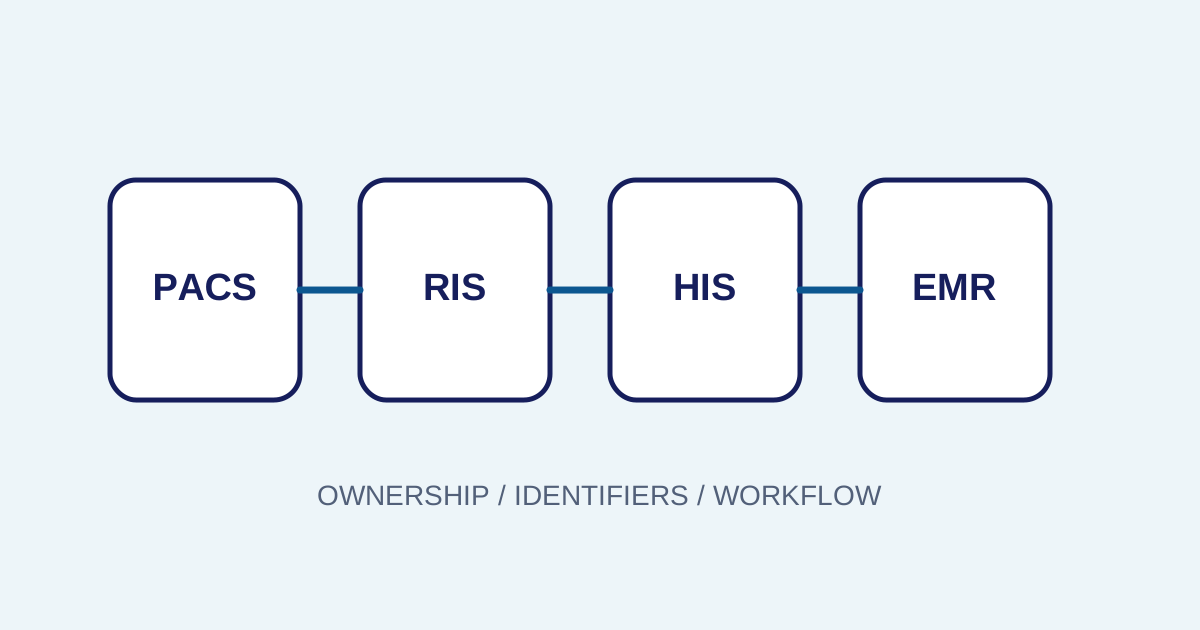
/ Healthcare technology
Why Is a PACS Study Missing from the Viewer? A Troubleshooting Checklist from Order to Storage
A structured way to investigate a missing radiology study, from orders, worklists, and DICOM metadata to routing, storage, indexing, and access.
A “missing image” is usually a workflow question
When a study does not appear in a viewer, the first report is often “the image is missing”. That statement does not identify where the problem is. The study may lack a valid order, may not have been selected from the worklist, may not have been sent through DICOM, may have been rejected by storage, may not be indexed, or may be hidden by access rules.
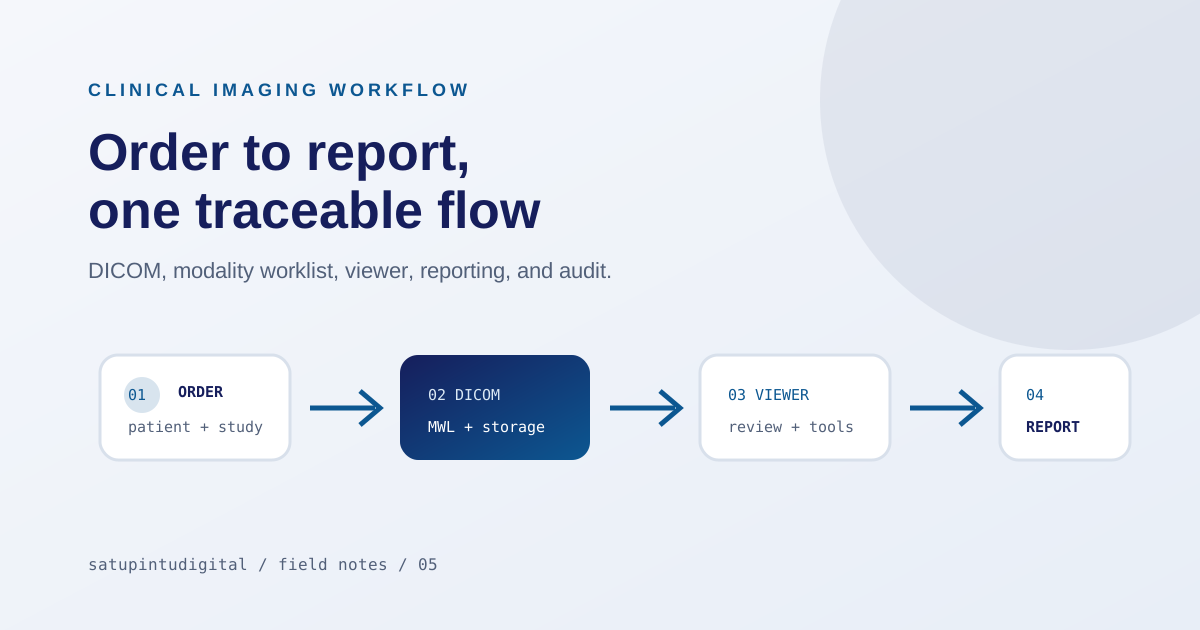
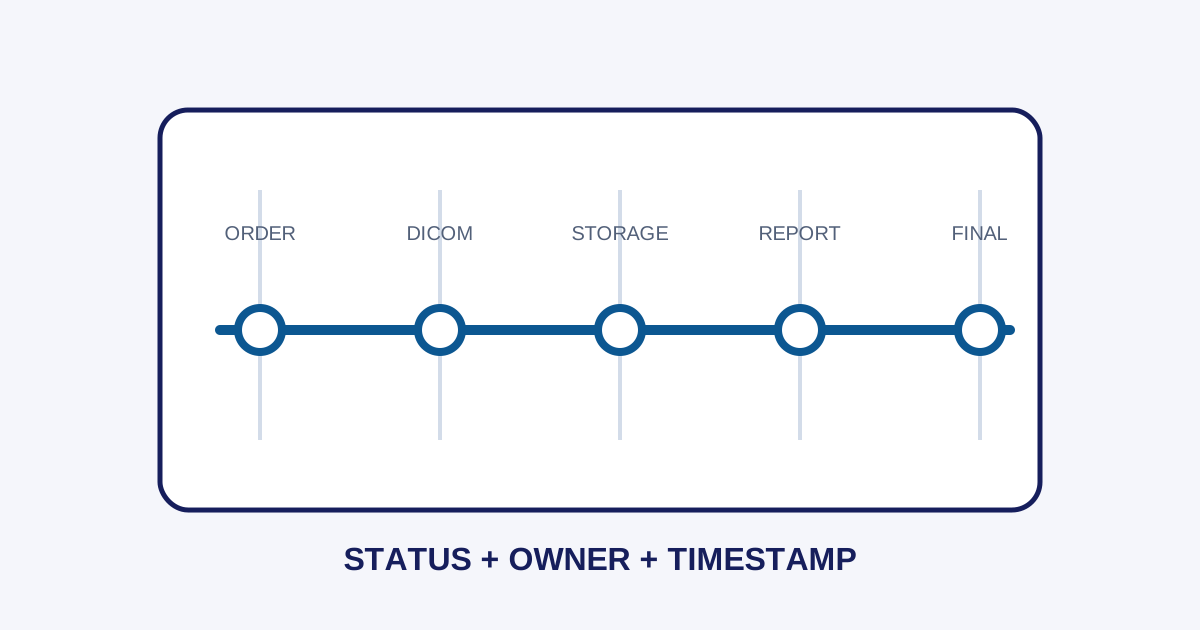
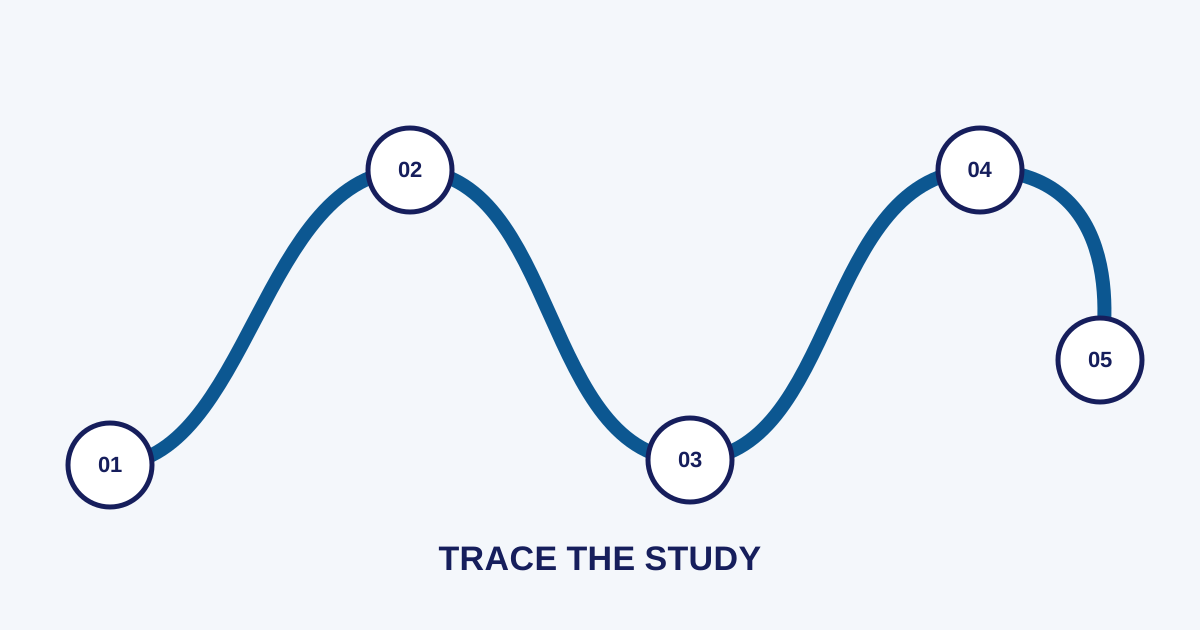
The safest approach is to trace one study from start to finish. The radiology PACS workflow article explains the full map; this article focuses on the investigation sequence.
Step 1: find the order and identifiers
Start with the ordering system, not the viewer. Find the Patient ID, accession number, procedure, modality, examination time, and order status. Make sure the order was not cancelled, duplicated, or left waiting for validation.
Use a stable identifier when communicating across teams. Patient names can be duplicated or formatted differently, while accession numbers and Study Instance UIDs are more useful once a study exists.
Step 2: confirm the order was used at the modality
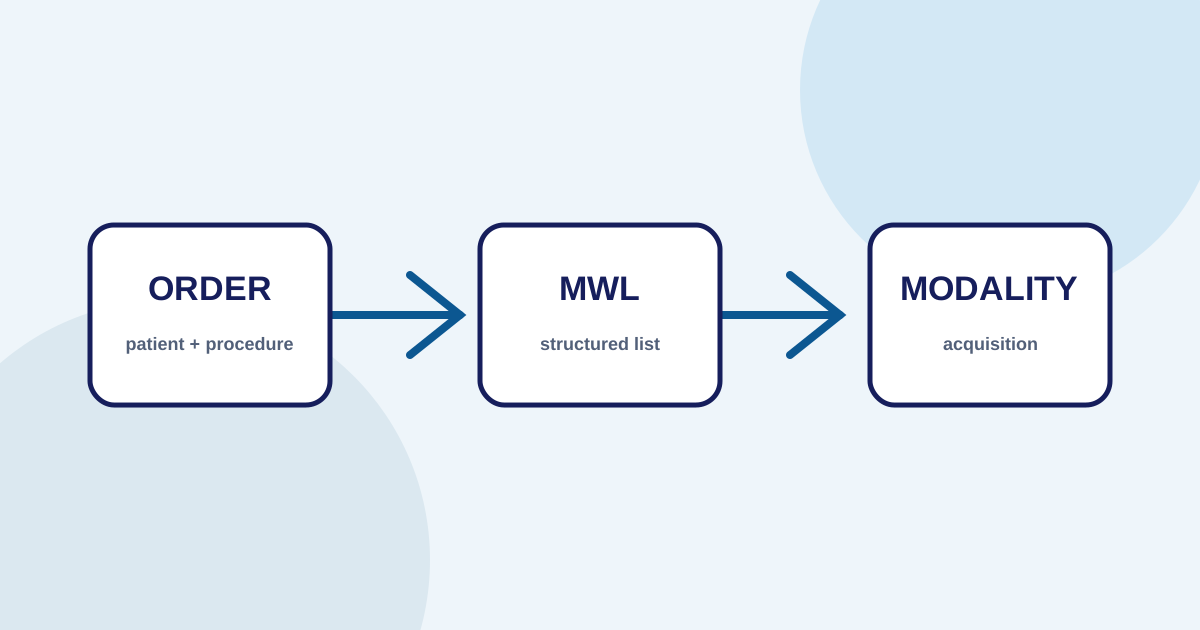
If an order exists but no study was created, check whether it appeared in the Modality Worklist and whether the technician selected the correct order. Common checks include:
- a date or modality filter that is too narrow;
- a failed query to the worklist server;
- a procedure without a mapping;
- an order assigned to another location or environment;
- manual entry that created different metadata.
Metadata differences at acquisition can make a study difficult to find even when its DICOM files were delivered successfully.
Step 3: check DICOM delivery
After acquisition, review the delivery status from the modality or router. Check the destination AE Title, network address, port, association status, and error message. Separate connection errors from data errors:
- Connection: unreachable node, closed port, timeout, or rejected association.
- Configuration: mismatched AE Title, service type, or routing destination.
- Data: missing required metadata, identity mismatch, or unsupported object.
- Operations: queued work, active retry, or full storage.
Do not repeatedly delete or resend without understanding the state. Repeated sending without idempotency and audit context can create duplicates and make tracing harder.
Step 4: check storage and indexing
If delivery looks successful, confirm that storage accepted the complete study. A study may contain several series; partial success is not the same as a complete examination.
Then check indexing. A viewer usually searches metadata through an index rather than scanning every file each time. If the data exists in storage but the index is stale, follow the approved reindex procedure and record its impact.
Step 5: check user access
If an administrator can see a study but a radiologist or technician cannot, the problem may be a role, tenant, location, report state, or access rule. Use an appropriate test account without granting more access than necessary.
Do not solve access problems by making every user an administrator. Least privilege and auditability remain important for imaging data.
Build an actionable runbook
A troubleshooting runbook should include:
- symptom;
- stage to check;
- identifier to use;
- log or state to find;
- first action;
- owner;
- escalation criteria.
A good runbook helps a help desk isolate the first issue and provides better evidence when the case moves to an engineer or vendor.
Conclusion
A missing PACS study should be investigated as a workflow problem rather than immediately blamed on the viewer. Trace the order, worklist, acquisition, metadata, routing, storage, indexing, and access using consistent identifiers.
Imagestro-PACS describes these stages as part of its order, DICOM, review, reporting, and integration workflow. Implementation must still follow the facility’s configuration and procedures.
Need help applying these priorities to your business?
Content cluster