/ Healthcare technology
PACS, RIS, HIS, and EMR: Different Roles in a Radiology Workflow
Understand how PACS, RIS, HIS, and EMR differ and how these systems connect across a radiology examination workflow.
Why are PACS, RIS, HIS, and EMR often confused?
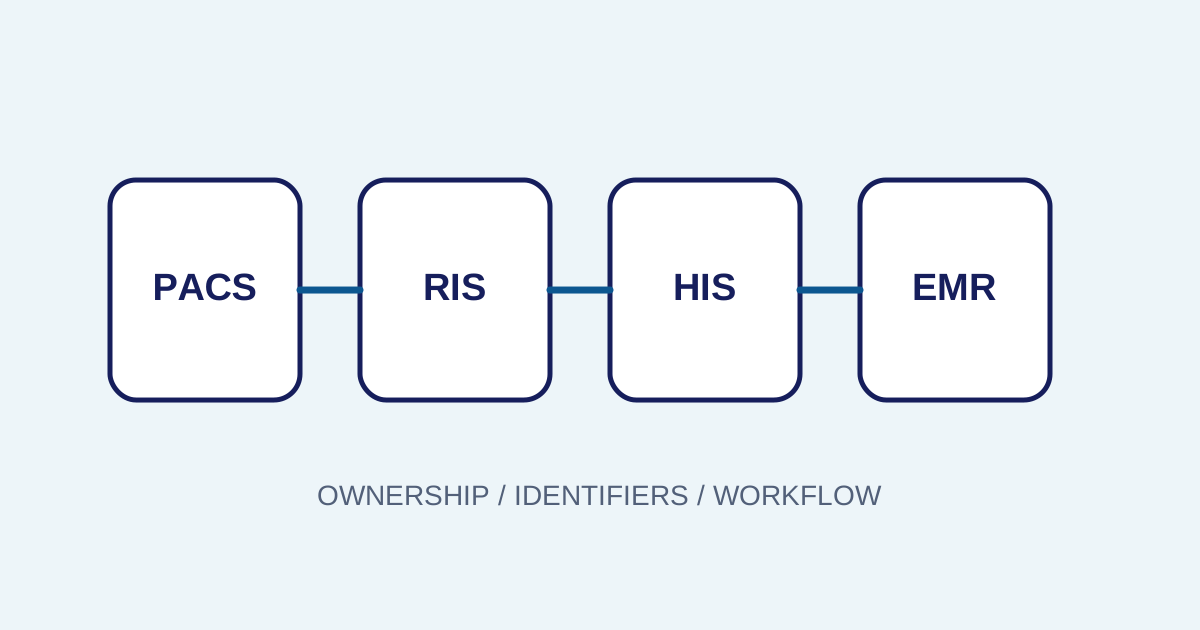
The four terms overlap, but they do not automatically mean the same thing. Vendors may combine several functions in one platform, while another facility may separate them across multiple systems. The useful question is not only “what is this product called?” but “which process does it own and which data does it control?”
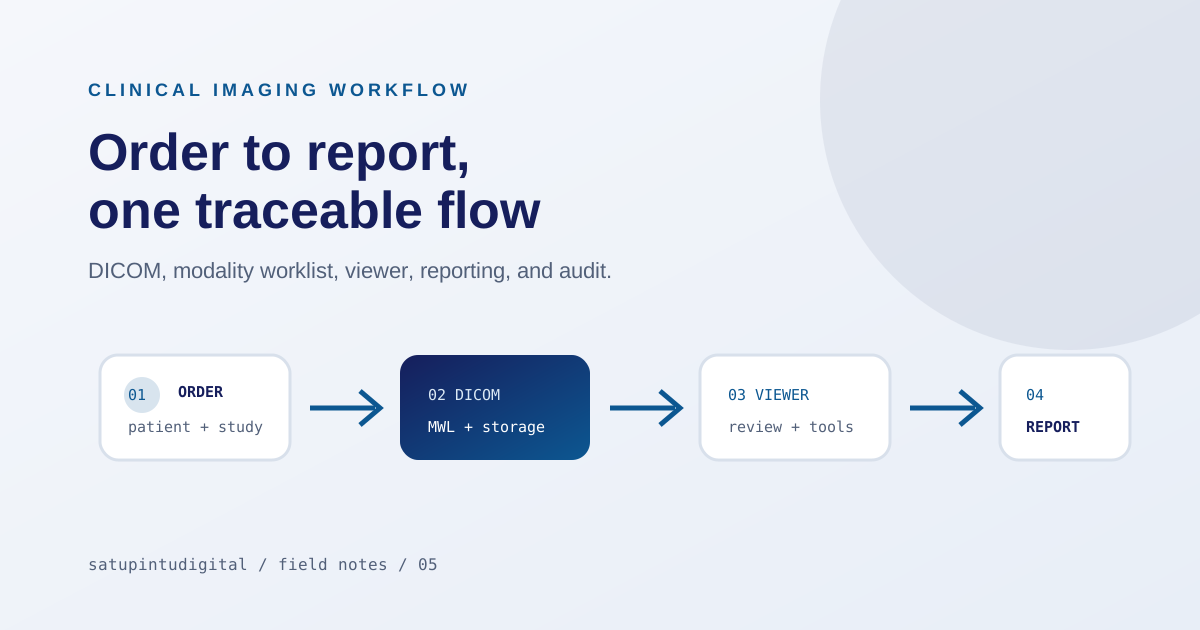
The radiology PACS workflow article covers the examination path from order to report. This article distinguishes the systems commonly involved in that path.
Differences by work focus
| System | Main focus | Example data or activity |
|---|---|---|
| PACS | Imaging and communication | DICOM, series, studies, storage, viewers, routing |
| RIS | Radiology department operations | Radiology orders, schedules, worklists, states, reports |
| HIS/SIMRS | Hospital-wide operations | Registration, services, billing, units, administration |
| EMR/RME | Electronic patient record | Clinical information, results, notes, and history |
This is a conceptual model. A real implementation must review product scope, the integration contract, and the facility process because one application can perform more than one role.
How does data move between systems?
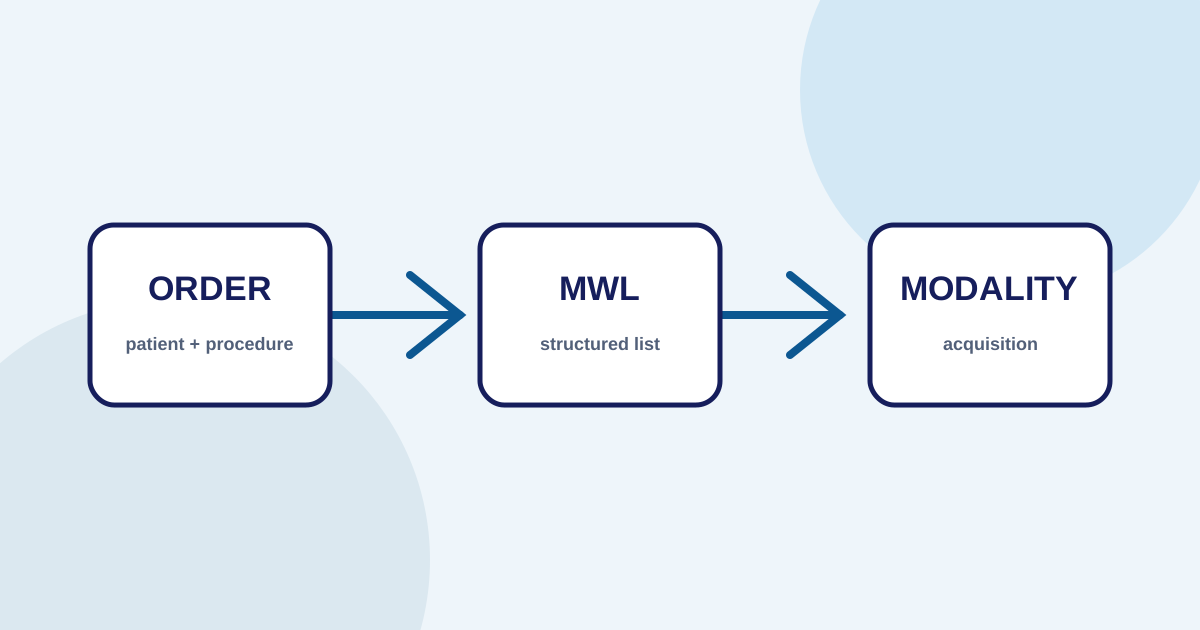
The flow may begin with patient registration and an order in the HIS or SIMRS. The order must become available to the radiology workflow. A RIS can manage the queue and procedure, then provide information for a Modality Worklist. The modality creates a DICOM study, and PACS stores and distributes the images to a viewer or another destination.
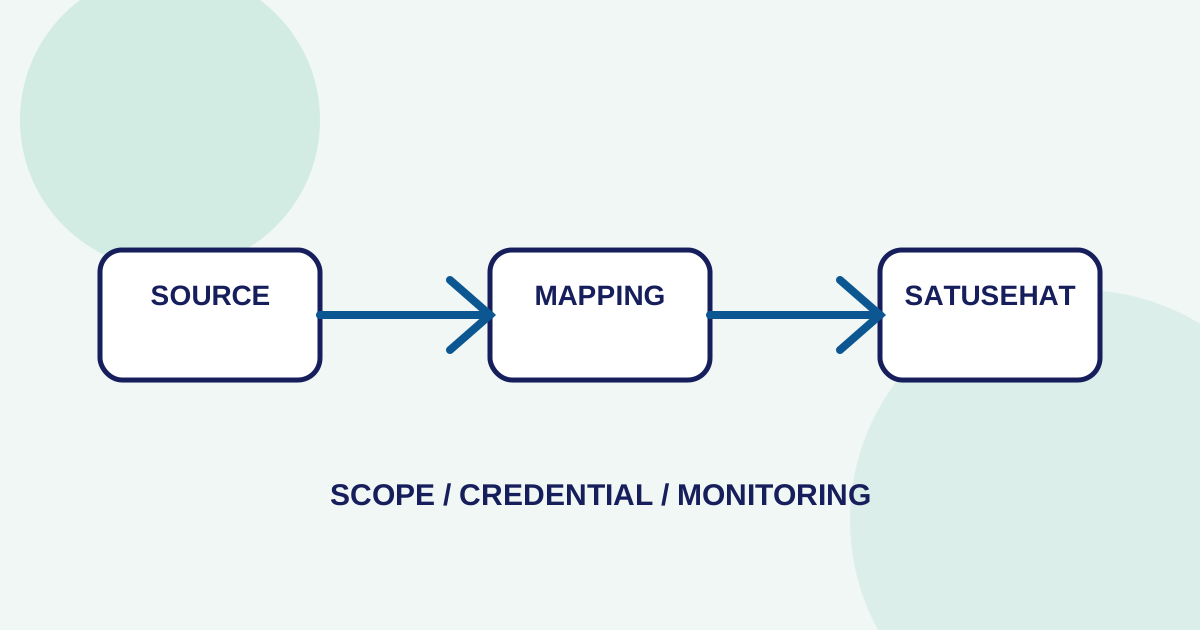
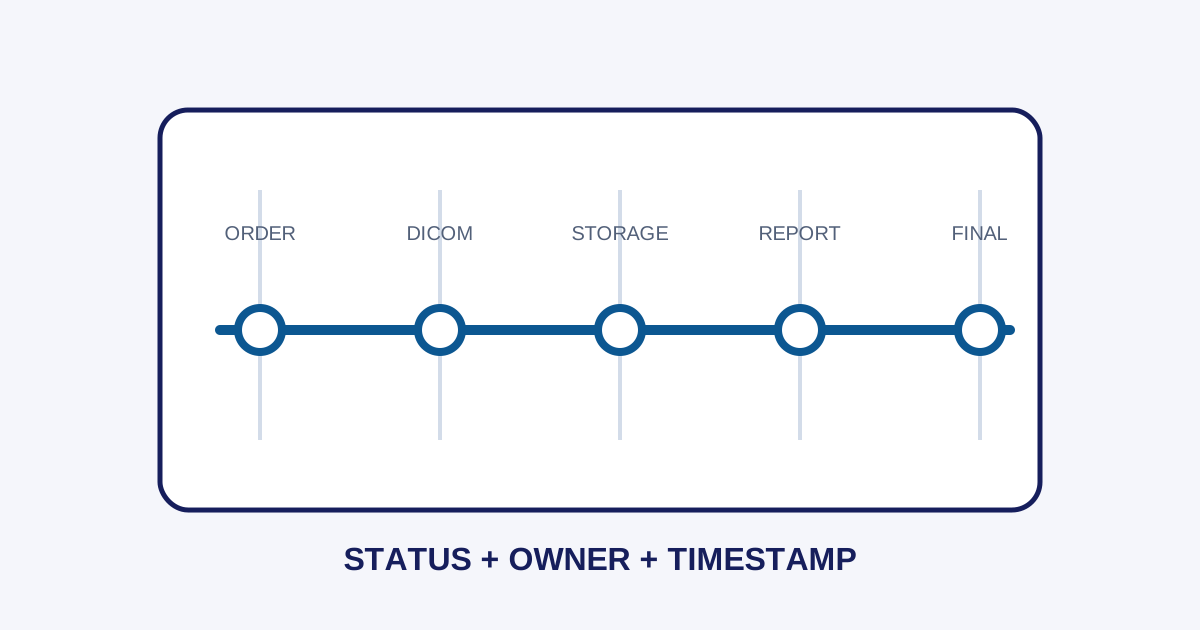
After the radiologist reviews the study, reporting produces a draft, verified, or final state. The result may be returned to another system, but the format and timing depend on the integration contract. An EMR or external platform should not be assumed to receive every field without explicit mapping and scope.
Define ownership and the source of truth
Integration problems often happen because two systems both appear to own the same data. Before implementation, decide:
- Which system is the source of truth for Patient ID?
- Which system issues the accession number?
- Who can change an order?
- When is a study considered accepted?
- Who owns report status?
- How are corrections and cancellations represented?
- Which identifiers connect the records?
Put these answers into a mapping and runbook. Without them, integration becomes message exchange without clear ownership.
Integration does not mean every function must be merged
One dashboard does not always mean one source of data. Conversely, several systems do not automatically create a poor workflow. What matters is that users can understand the examination state and next action while technical teams have contracts and logs for diagnosis.
Imagestro-PACS describes an imaging workflow connecting orders, worklists, DICOM, viewing, reporting, and integration readiness. It does not replace an architecture review of a facility’s HIS/SIMRS and EMR.
Pre-integration checklist
- Draw the actors, systems, and data directions.
- Define identifiers for patients, orders, studies, and reports.
- Document formats, states, retries, and errors.
- Separate test and production environments.
- Test normal, duplicate, correction, cancellation, and unavailable-system cases.
- Assign an owner for every failure state.
- Validate access and data minimization.
Conclusion
PACS, RIS, HIS, and EMR have different focuses, even when product functions are combined. A healthy architecture starts with data ownership, identifiers, states, and workflow—not with system labels alone.
Need help applying these priorities to your business?
Content cluster