/ Healthcare technology operations
PACS Audit Trails and Workflow States: Finding Order-to-Report Bottlenecks
How to design states, audit trails, ownership, and wait-time indicators to find bottlenecks in a radiology PACS workflow.
Why do states and audit trails matter?
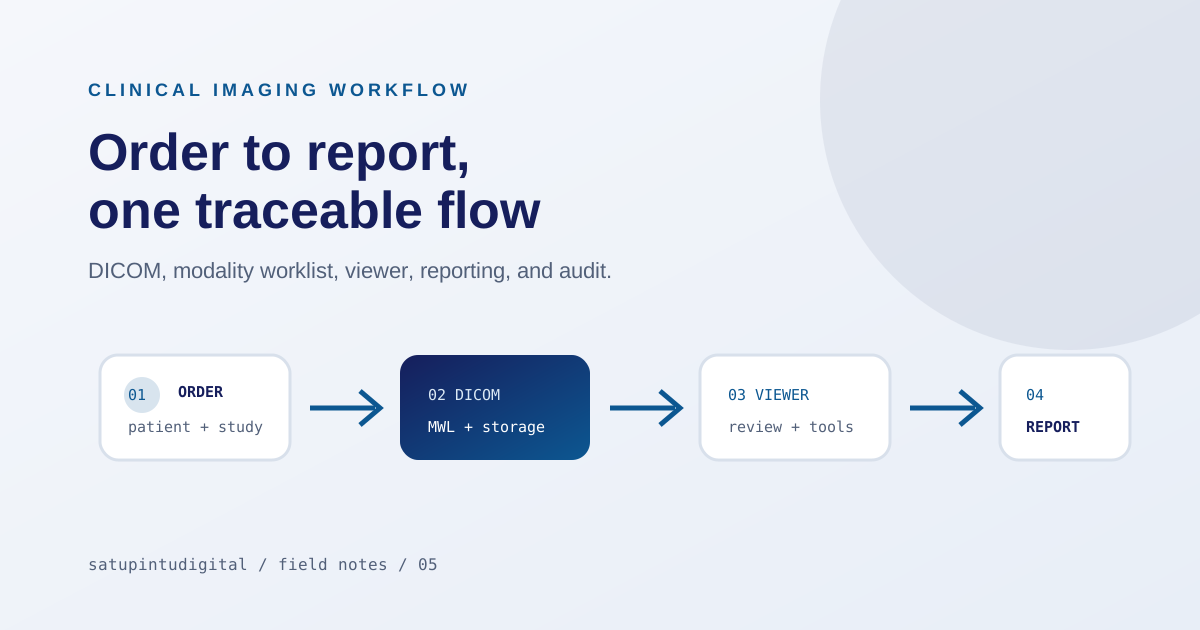
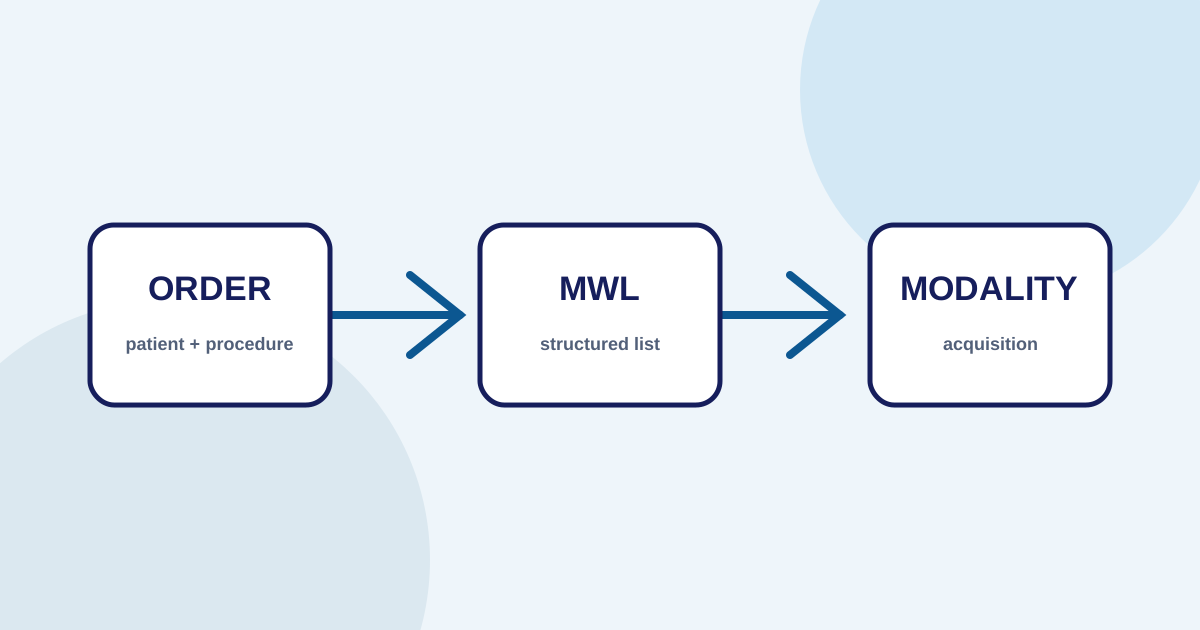
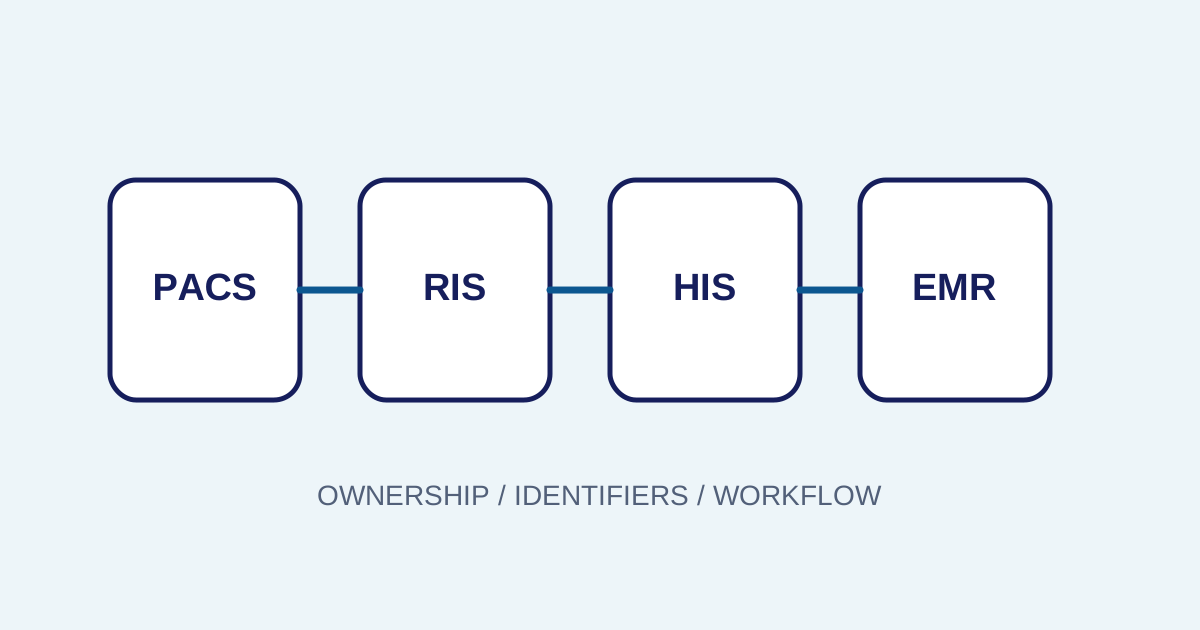
A PACS workflow includes orders, modalities, DICOM, storage, viewers, reporting, and sometimes external systems. If every stage only says “processing” or “failed”, teams cannot tell who should act or where data stopped.
The radiology PACS workflow maps the process. This article focuses on making position and history actionable.
Separate state from audit trail
A state summarizes the current condition. Examples include:
- order received;
- waiting for validation;
- ready for acquisition;
- acquisition complete;
- waiting for routing;
- stored;
- ready for review;
- report draft;
- waiting for verification;
- final;
- correction needed;
- failed.
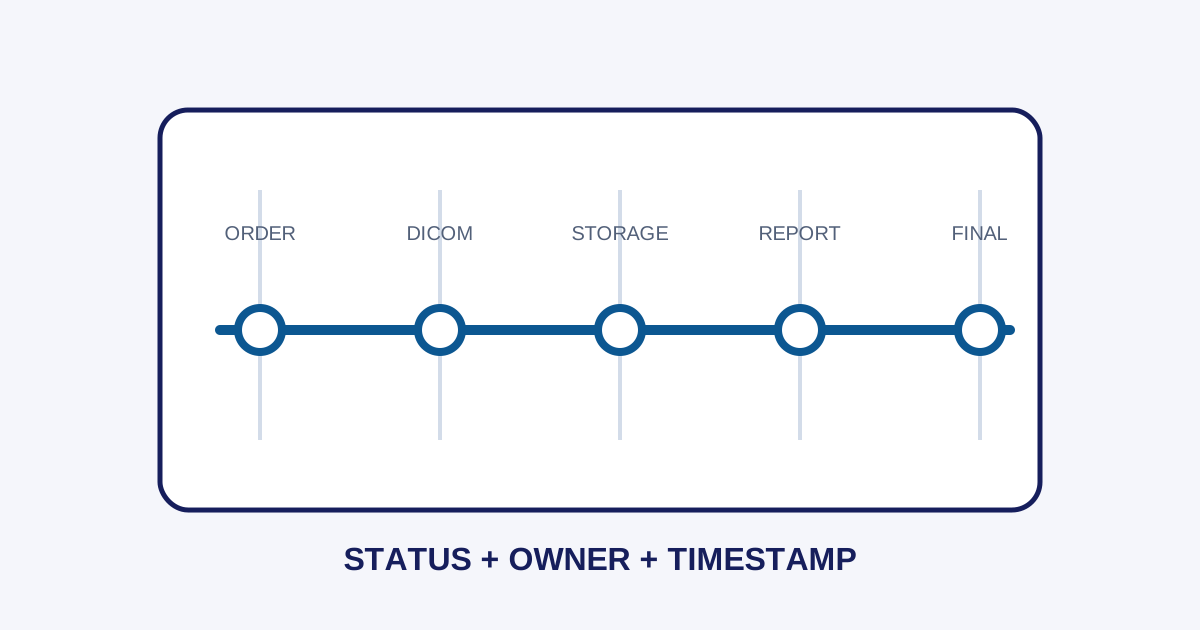
An audit trail answers more detailed questions: when did the state change, who changed it, which examination identifier was affected, which service produced the event, and what response or reason was recorded?
The two complement each other. States orient daily operations, while audit trails support incident investigation, corrections, and change reviews.
Assign an owner to every state
A state without an owner only moves confusion into a dashboard. For each condition, define:
- who receives the notification;
- the first action;
- the priority or time boundary;
- the data to collect;
- when to escalate.
For example, “metadata mismatch” may need a radiology administrator to check the order, while “node unreachable” belongs to IT. “Report waiting for verification” is part of the radiologist workflow, not a network incident.
This prevents every problem from being sent to IT or a vendor without initial isolation.
Measure time between stages
The biggest bottleneck is not always the stage with the most errors. A queue that remains waiting can have more operational impact than an error that fails immediately and is quickly handled. Measure durations such as:
- order to worklist;
- worklist to acquisition;
- acquisition to storage;
- storage to study ready for review;
- study ready for review to report draft;
- draft to verification;
- final report to an external system.
Use suitable periods and groups. An average can hide very old examinations, so percentiles or outlier lists can help when the data supports them.
Design an audit trail with the needed context
Each important event should include:
- timestamp with a clear timezone;
- actor or service;
- tenant or unit when relevant;
- resource and examination identifier;
- action;
- previous and next state;
- response or reason;
- correlation ID when multiple services are involved.
Do not record more clinical data than is needed for traceability. Auditability must be designed with minimization, access controls, retention, and deletion procedures.
Use dashboards for action, not decoration
An operations dashboard should answer:
- Which examinations are held?
- Which stage is taking the longest?
- Who owns the next action?
- Is an error limited to one modality or affecting a whole unit?
- Is the cause data, network, storage, or an external system?
- Did a retry succeed or only increase the queue?
Imagestro-PACS describes states and audits as part of an imaging workflow. Exact states, permissions, and retention still depend on the deployment and facility policy.
Review regularly
States lose meaning when workflows change. Review them with administrators, technicians, radiologists, and IT. Remove states that never lead to action, add states users need, and update the runbook using real incidents.
Conclusion
An audit trail provides history, while a state provides orientation. Together they help facilities find order-to-report bottlenecks without guessing or blaming a component too early. Start with a small set of useful states, clear owners, stable identifiers, and measurable wait times.
Need help applying these priorities to your business?
Content cluster