/ Healthcare technology
Radiology PACS Workflow: From Orders and DICOM to Worklists, Viewing, and Reporting
A practical guide to radiology PACS workflow across orders, DICOM, Modality Worklist, viewers, reporting, and digital health integration.
Short answer: what is a radiology PACS workflow?
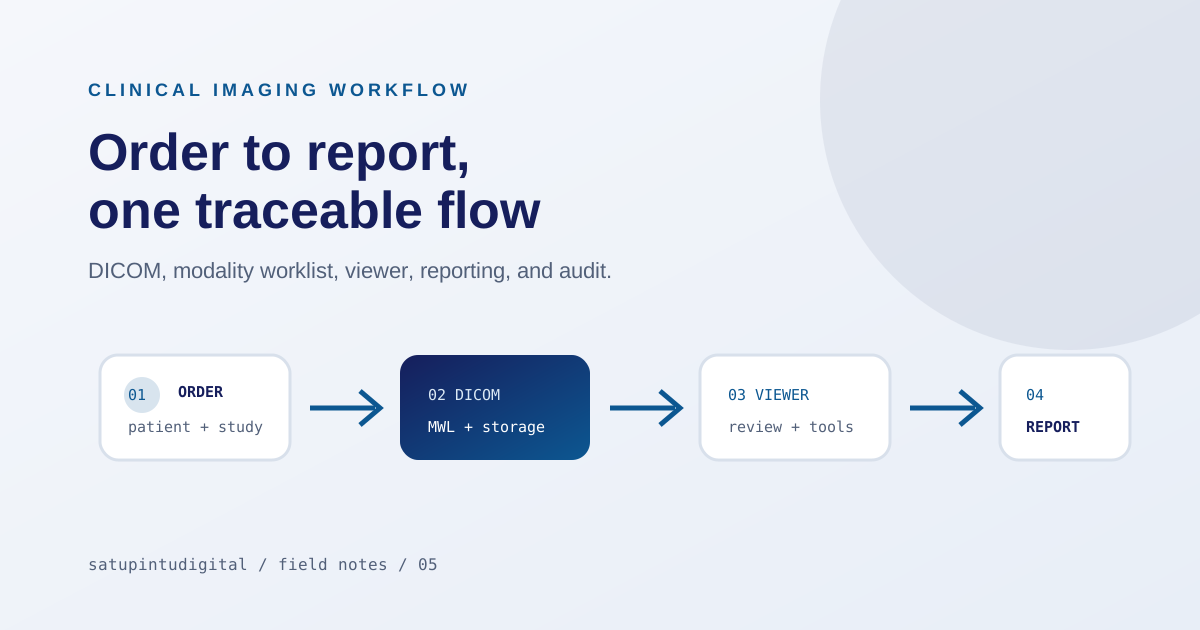
A radiology PACS workflow connects examination orders, patient data, Modality Worklist, DICOM acquisition, routing, storage, viewing, reporting, and—when required—digital health integration. A useful PACS keeps the context of one examination intact from order to report, rather than acting only as an image archive.
An imaging workflow connects many roles
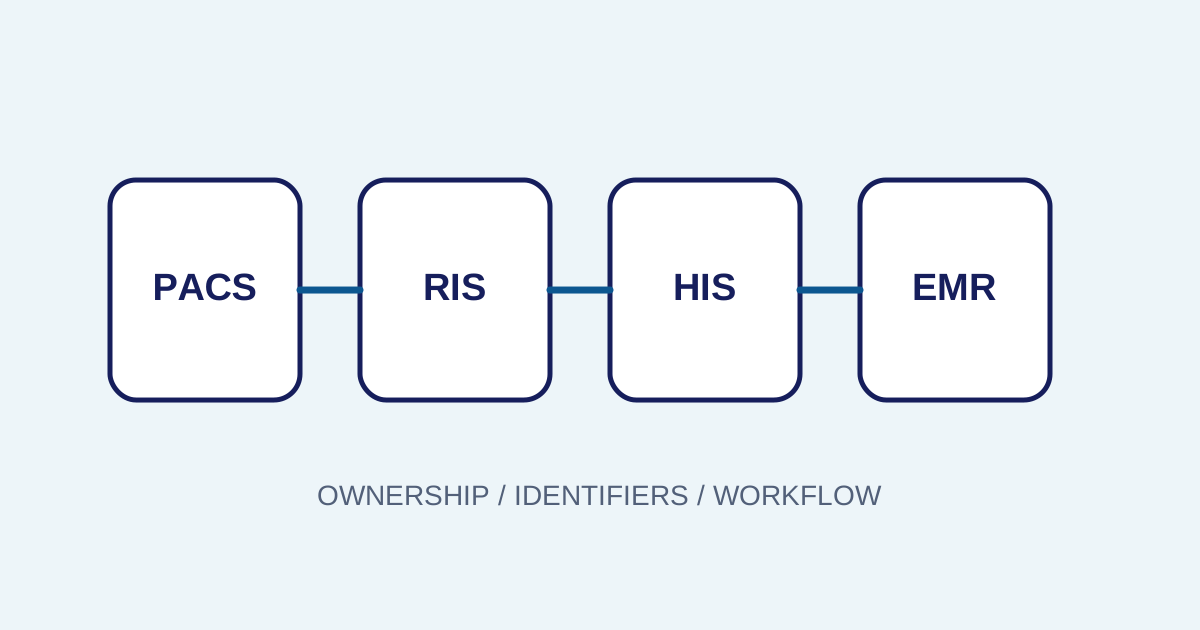
A clear imaging workflow connects administrators, patients, technicians, DICOM systems, radiologists, and IT. Without a clear flow, patient data is entered repeatedly, examination status is hard to see, and integration errors appear late. A PACS is valuable not only for storing images, but for preserving context from order to report.
Orders and accession numbers preserve context
The order and accession number connect the patient, procedure, priority, modality, and result. Early validation matters because an identity or procedure error can affect every later step. The system should support controlled correction and an audit trail instead of silent changes without context.
Set consistent naming and mapping rules for modalities, procedures, locations, and study types. Inconsistent terms make filters, reports, and search difficult to trust as devices or departments grow.
DICOM and worklists require configuration
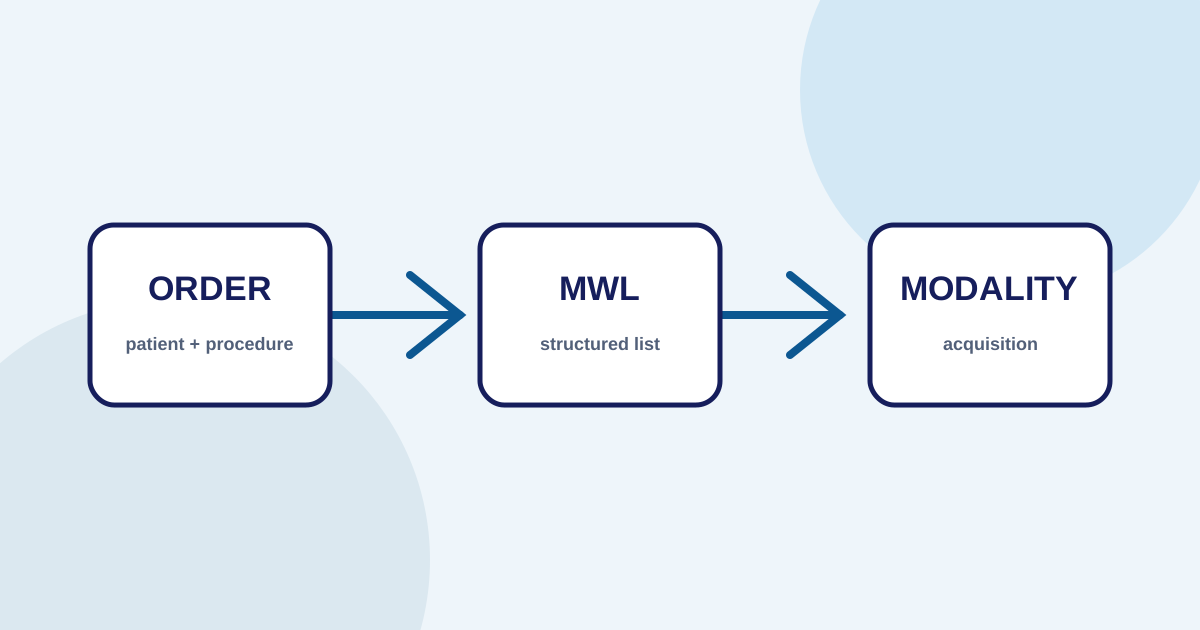
DICOM is an imaging exchange language, but implementation still requires nodes, AE titles, ports, metadata, and mapping rules. Modality Worklist reduces manual entry by providing an order technicians can select before acquisition. Storage and routing connections should be tested in normal and failure conditions.
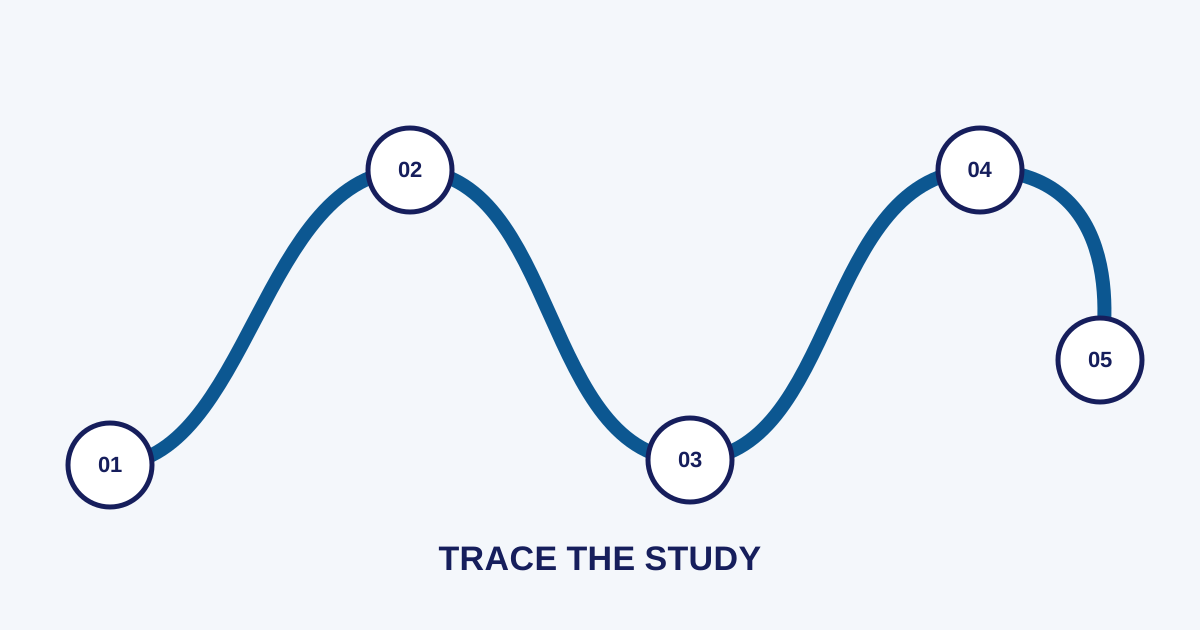
Make study states traceable
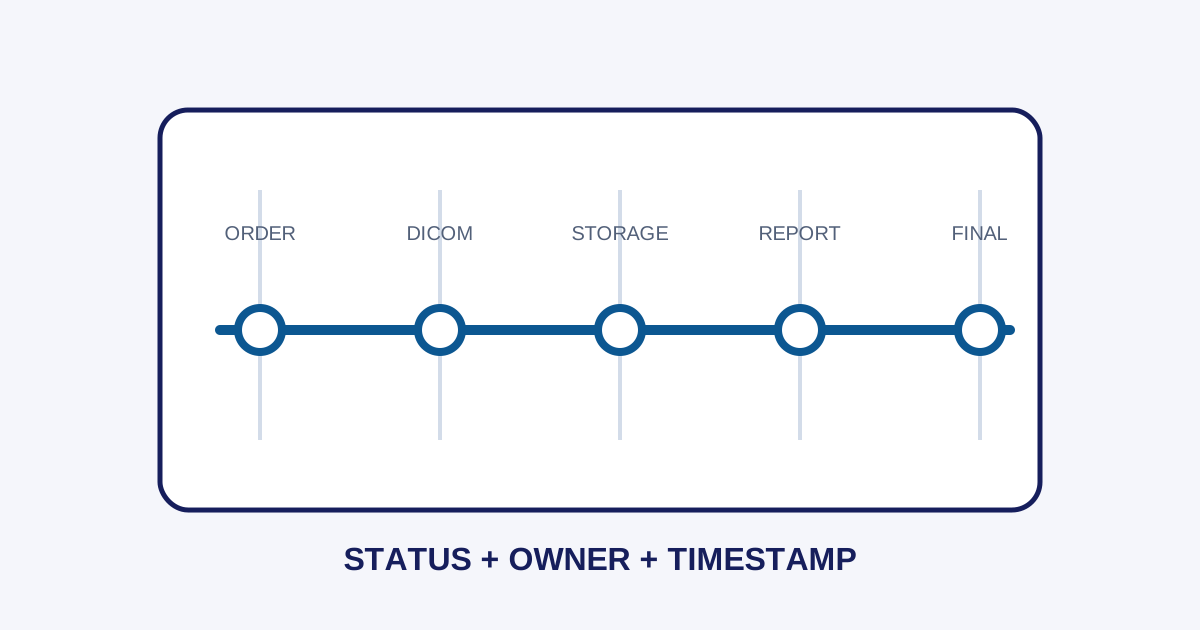
Once a study arrives, the system must handle incomplete files, mismatched patients or accessions, duplicates, and routing failures. Visible states—received, validated, stored, forwarded, or blocked—help operations find the bottleneck without immediately blaming one component.
Distinguish connectivity problems from data problems. A missing study may come from an unreachable node, AE-title configuration, mismatched metadata, or inactive routing. A runbook with ordered checks helps isolate the cause.
A viewer supports review but does not replace clinical judgment
A viewer provides tools to review images, while reporting manages text and report status. Both support a radiologist’s work but do not replace clinical judgment. The workflow should separate draft, verification, revision, and finalization so users know when information can still change.
Integration needs readiness and monitoring
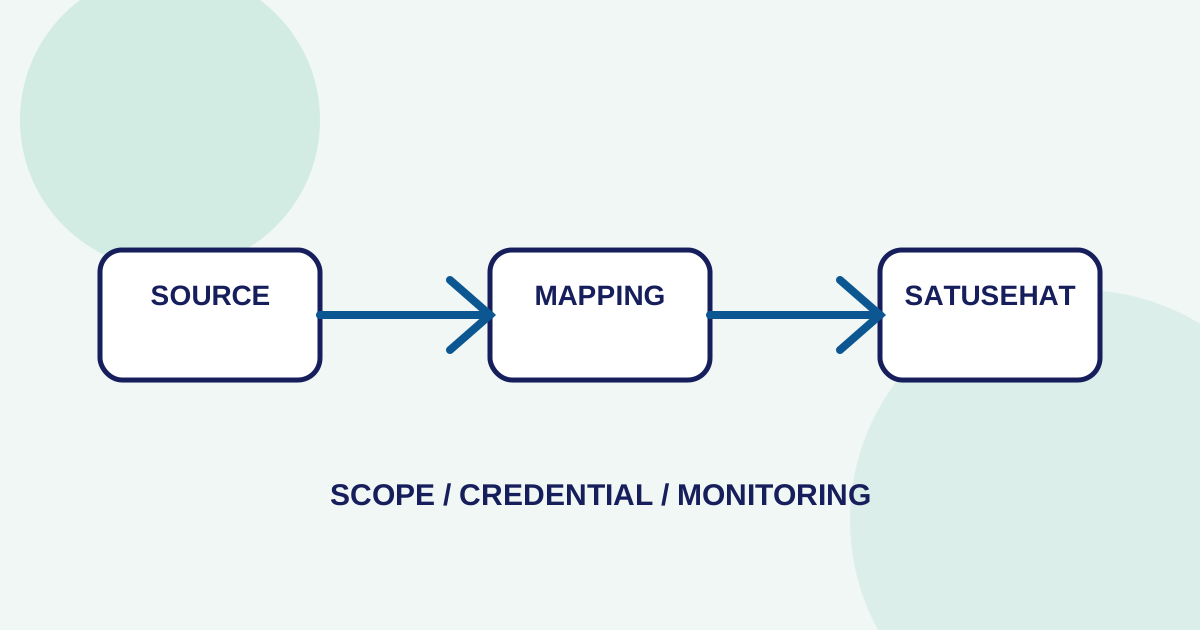
Healthcare integration needs readiness, resource mapping, request status, API responses, and repeatable errors. For SATUSEHAT or another external system, scope depends on tenant configuration, credentials, connection requirements, and facility policy.
Before a pilot, measure time from order to worklist, studies blocked by metadata, time from acquisition to report, and repeatable synchronization errors. These indicators help determine whether the cause is process, configuration, network, or integration.
Example mapping in Imagestro-PACS
The Imagestro-PACS product page maps this workflow across orders and patients, modality worklists, DICOM, review and reporting, and SATUSEHAT readiness. Read the product capability together with the facility’s network, HIS/SIMRS, credentials, and governance requirements because implementation scope varies.
Security and governance must run throughout the workflow
Apply tenant isolation, role-based access, least privilege, access logging, and a retention policy aligned with the facility. Separate test environments from production data. Changes to mappings, report templates, modality connections, or user access need an owner, timestamp, and rollback path.
Review the workflow with administrators, technicians, radiologists, and IT. Operational documentation should be concise, use consistent state names, include common error examples, and explain when to escalate. With clear clinical boundaries and governance, a workflow platform can support safe operational improvement.
Need help applying these priorities to your business?
Content cluster